
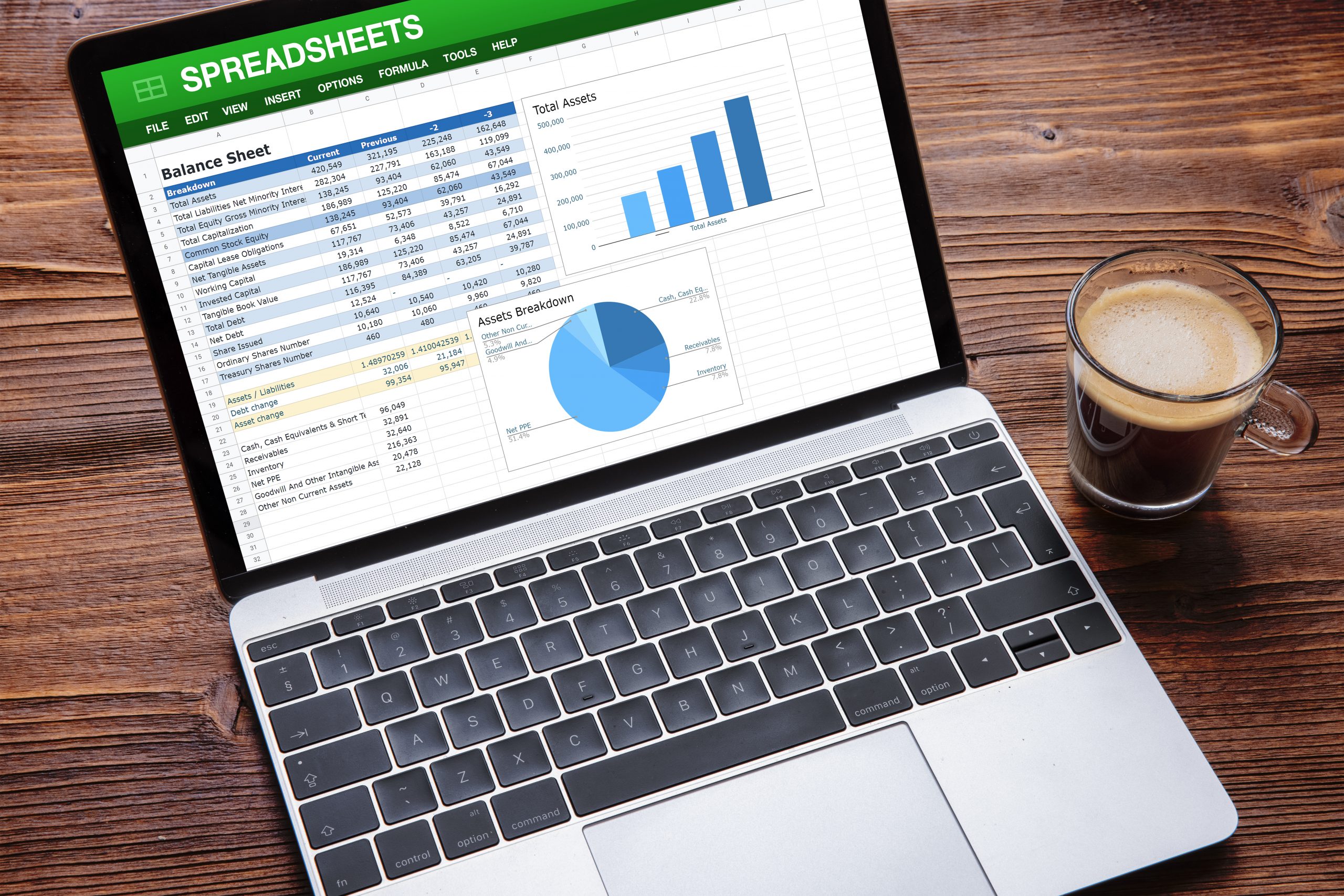
Welcome to the Online Excel Essentials Course
Are you ready to unlock the full potential of Microsoft Excel and enhance your proficiency with this indispensable tool? Whether you’re a beginner looking to build a strong foundation or an experienced user aiming to refine your skills, our Online Excel Essentials Course is designed to empower you with the essential knowledge and techniques to navigate and excel in the world of spreadsheets.
In today’s data-driven landscape, Excel is not merely a spreadsheet program; it’s a dynamic platform that empowers individuals and businesses to organize, analyze, and visualize data to make informed decisions. This course has been meticulously crafted to provide you with a comprehensive understanding of Excel’s fundamental features, equipping you with the confidence to tackle diverse tasks efficiently and effectively.
Course Objectives:
- Navigate with Confidence: Master the Excel interface, understand its layout, and become adept at navigating through workbooks and worksheets.
- Harness Basic Functions: Acquire proficiency in using essential functions, formulas, and calculations to streamline data manipulation and analysis.
- Data Visualization: Learn how to create compelling charts and graphs that transform raw data into visual insights, making complex information easy to comprehend.
- Data Management: Discover techniques to efficiently organize and manage data through sorting, filtering, and effective data validation practices.
- Time-Saving Tips: Explore hidden shortcuts and time-saving tricks that will significantly boost your efficiency and productivity while working in Excel.
- Efficient Formatting: Master the art of formatting cells, rows, and columns to present your data professionally and ensure its clarity.
- Conditional Logic: Delve into conditional formatting and logical functions, enabling you to highlight trends, anomalies, and patterns within your data.
- Pivot Power: Unlock the potential of pivot tables, one of Excel’s most powerful features, to summarize, analyze, and extract meaningful insights from large datasets.
- Data Collaboration: Learn how to collaborate effectively with others on Excel workbooks, utilizing features like sharing, tracking changes, and comments.
- Problem Solving: Develop critical problem-solving skills by working on practical exercises and real-world scenarios that showcase Excel’s versatility.
By the end of this course, you will have gained a solid foundation in Excel that will serve as a springboard for your personal and professional growth. Our goal is to empower you with the skills and confidence needed to harness the full potential of Excel, enabling you to excel in your endeavors.
Join us on this exciting learning journey, and let’s embark together on the path to Excel mastery!
Enroll now and take the first step toward becoming an Excel virtuoso.